A simple place for notes and personal to-dos
If all you need is your own to-do list and a few notes in one place, a notes app is lighter and faster. Hambord helps when several people work on a shared workflow.
Better path:A notes or to-do app
Excel, an off-the-shelf CRM, an ERP or building from scratch: each has its place. Here we tell you honestly where each path helps, and where Hambord's solution does.
Each has its place. See which one looks like where you are now.
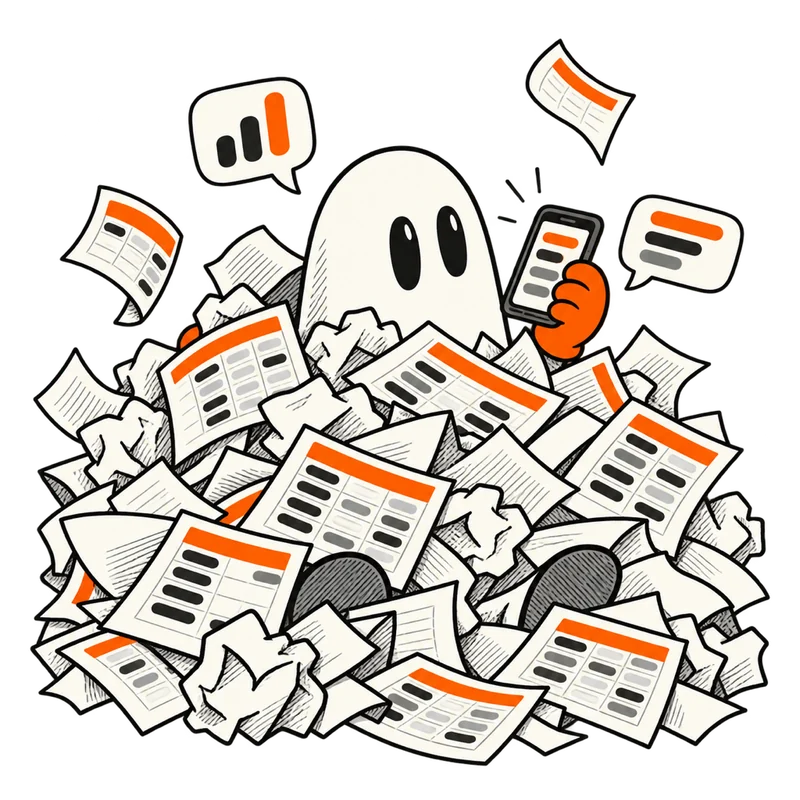
“Who has the latest file?”
Free and familiar to start with, until your team and customers grow.
Everyone has their own copy, and in the end nobody knows which one is right.
Calls and messages stay apart from the customer's record.
The only access control is whether you send someone the file.

“It's good, but our work is different in places.”
Quick to get going, as long as your work looks like their template.
They're built mostly around sales and customer follow-up; the rest of the business stays outside.
How much you can change them varies from product to product.
Sometimes the team has to fit the software, not the other way around.
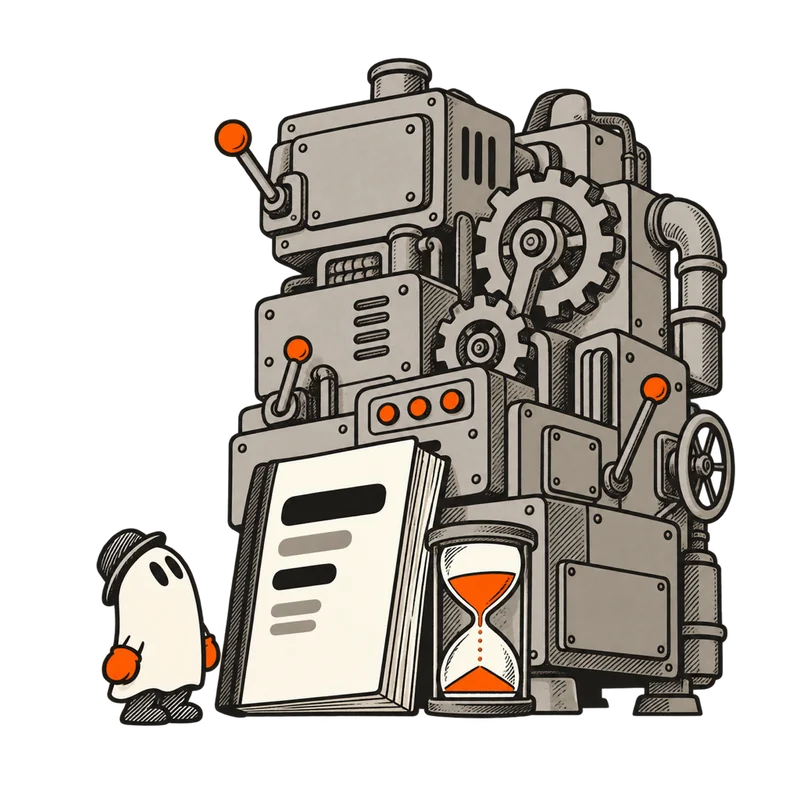
“First, we need to scope an implementation project.”
For larger organizations, with deep accounting and supply chain.
Setting it up is usually a project of its own, with lots of time and coordination.
Every small change to a workflow usually has to go through the tech team or the vendor.
For a small, nimble team, it does far more than you need.

“It'll take months before the first version is ready.”
Exactly the way you want it, with more time, cost and upkeep.
Real use is months away.
Every change means going back to a developer.
Maintenance and security are always on you.

“This is what I wanted; it's shaped like our work.”
You start from a ready-made solution and make it fit your own work.
You start with a ready-made solution for your field and change the pages, roles and workflow yourself.
You bring in your Excel data with an AI agent's help and ask Vecto about your data.
The panel opens in a few days; sign up and you go straight in, with 2 weeks to try it free.
Two short steps, under a minute; then we give you a call.
Every path shines in some places and falls short in others. We've put them side by side so you can judge for yourself.
Hambord next to which path?
Time to first real use
Fitting the way your team works
Data, team and customers in one place
Separate access for each page and role
An AI assistant on your own data
Excel import with an AI agent
Calls and messages next to the customer record
Changes without a tech team
Deep enterprise accounting
Upfront cost and commitment
This comparison is based on each category's approach, not the exact features of a specific product; individual products may differ. Last reviewed: October 18, 2026.
Better to know before you start; both our time matters.
If all you need is your own to-do list and a few notes in one place, a notes app is lighter and faster. Hambord helps when several people work on a shared workflow.
Better path:A notes or to-do app
If you're on your own, or a few of you get by with one shared file, there's no need to change anything. Come back when the files multiply or you hear “Who has the latest file?”
Better path:That same Excel file
If you want an app with its own look and logic for end customers, Hambord doesn't replace a development team. Hambord is your team's internal workspace.
Better path:Building custom software
If none of these sounds like you, Hambord is probably what you've been looking for.
More than 100 businesses have tried it
Finally, we know who's following up with each customer.
 Sahar RezaeiSales lead, Online store
When a customer comes back, we don't start from zero.
 Ali MoradiCustomer relations manager, After-sales service
I don't open several files for one answer anymore.
 Maryam NaderiStock and orders lead, Home goods store
If your answer isn't here, the Hambord team will gladly help.
We've got your back, even in the dark.